Convert PDF bank statements to clean Excel & CSV
Strip the statement down to the numbers — and keep them on your machine.
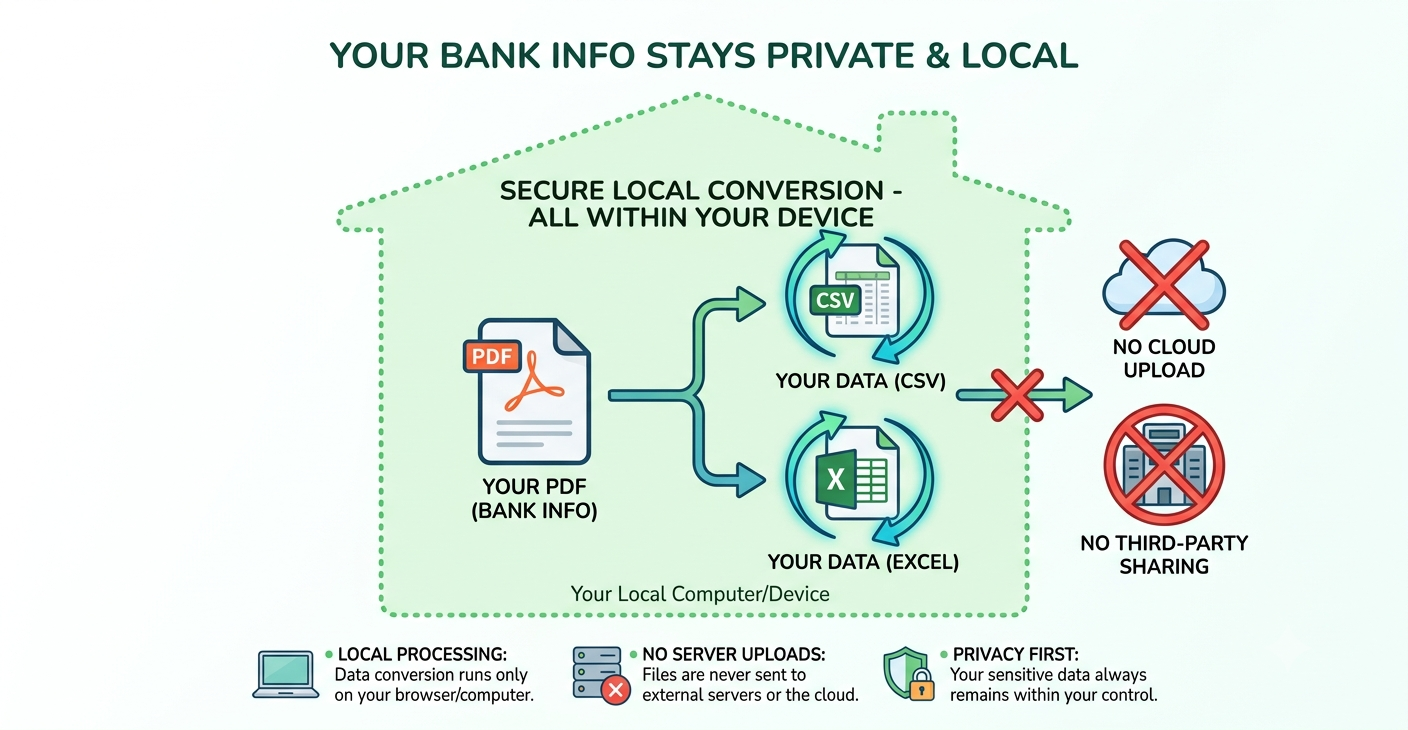
Drop in a statement and Tare nets out every transaction into a clean, editable table you can export to Excel or CSV. The file is read entirely on your own device. It is never uploaded, so there is nothing to leak.
Drop a PDF bank statement here
or
Works best with text-based (not scanned) statements. Nothing is uploaded.
Column roles (auto-detected — adjust if needed):
| Date | Description | Amount | Balance |
|---|
Why people use Tare
Your data stays put
Bookkeepers and anyone under a confidentiality clause can't paste client statements into a random cloud tool. Here the parsing runs in your browser, so the data never travels.
It checks its own work
Tare reconciles opening balance plus transactions against the closing balance and tells you if they match — so you catch a misread before it hits your books.
Edit before you export
Every field is editable. Fix a stray character, confirm the totals, then export a clean Excel or CSV file ready for your spreadsheet.
What Tare can do
- Converts text-based PDF statements into clean Excel (.xlsx) and CSV — checking, savings, and most statements whose text is selectable (not scanned images).
- Finds the columns for you — date, description, money in/out and balance are detected automatically by reading the statement's own column labels.
- Checks its own math — it reconciles opening balance plus transactions against the closing balance, so a green badge means the numbers add up.
- Puts you in control — if a column is read wrong, fix it with the dropdowns. Tare remembers your bank's layout on this device, so next time it's already set up.
- Keeps everything on your device — the file is never uploaded, and you only export once the preview looks right.
Works best with text-based PDFs downloaded from online banking. Scanned or photographed statements (images) aren't supported yet, and a very unusual layout may need a quick manual column fix.